
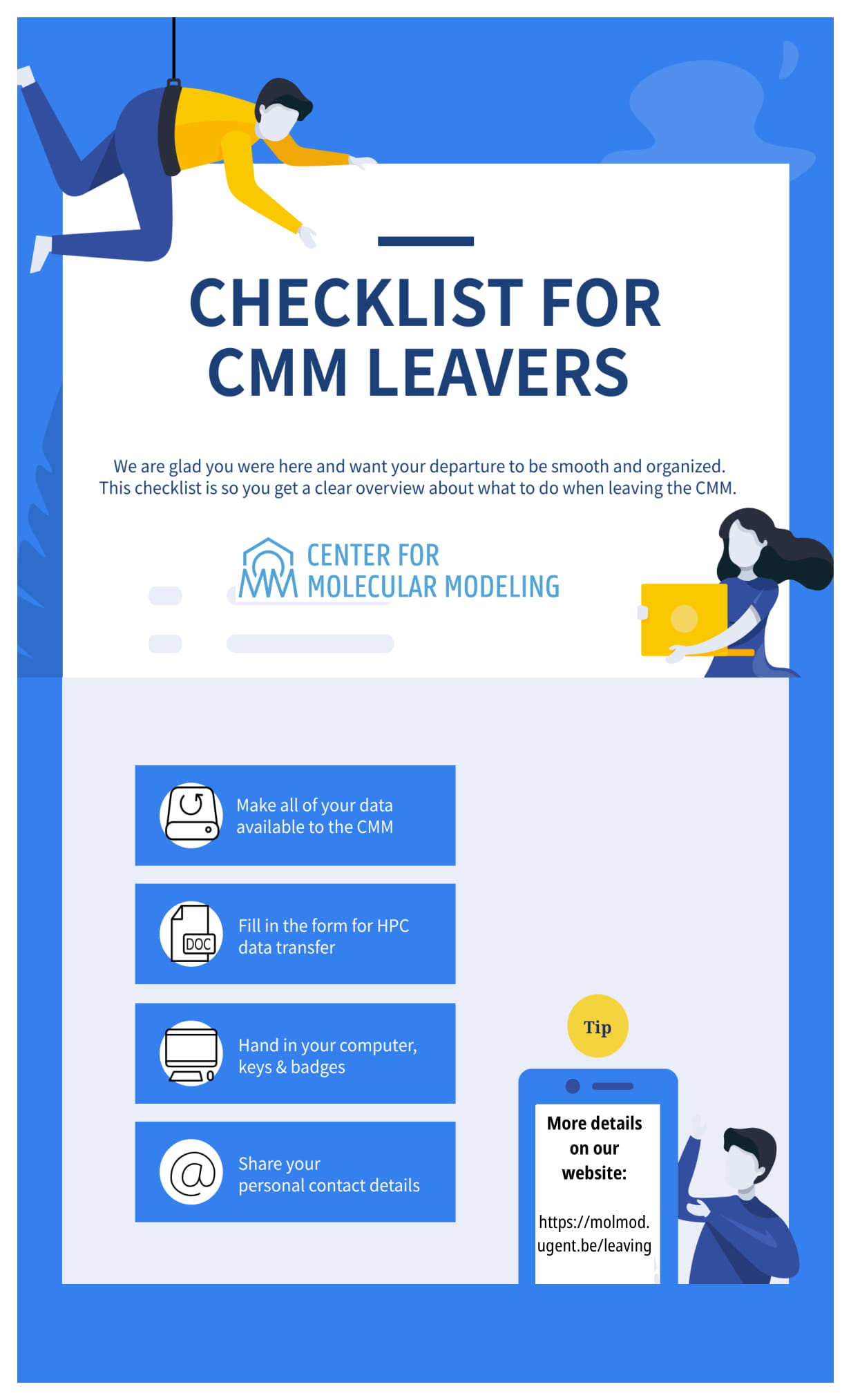
- Make all of your data available to the CMM. You should hand in an external drive (available at the administrative office) with your data related to articles (original tex, word files, figures,…), presentations,… Apart from that, you should store your data regarding calculations on our moldyn58 & most essential data on your hard drive. Also provide us with a table of contents (readme) regarding your data. Go through the list together with your direct supervisor or another person assigned by your supervisor. More practical information about archiving data can be found here (it is mainly focused on HPC but general good practices are mentionned as well).
- Fill in the form for HPC data transfer. The file can be found on our internal website. Hand in the document to the administrative office (Leen or Mieke).
- Hand in your laptop/desktop with all accessories (external hard drives(s), mouse, cables etc.) to the administrative office (Leen or Mieke).
- Hand in key(s) & personnel card/badge.
- Clean up your office space (incl. posters).
- Contact DICT to forward your emails to your personal email address.
- Provide the administrative office with your contact details.
- If you would like to become a voluntary member (after his has been discussed with your supervisor), please inform the administrative office so the necessary arrangements can be made.

